

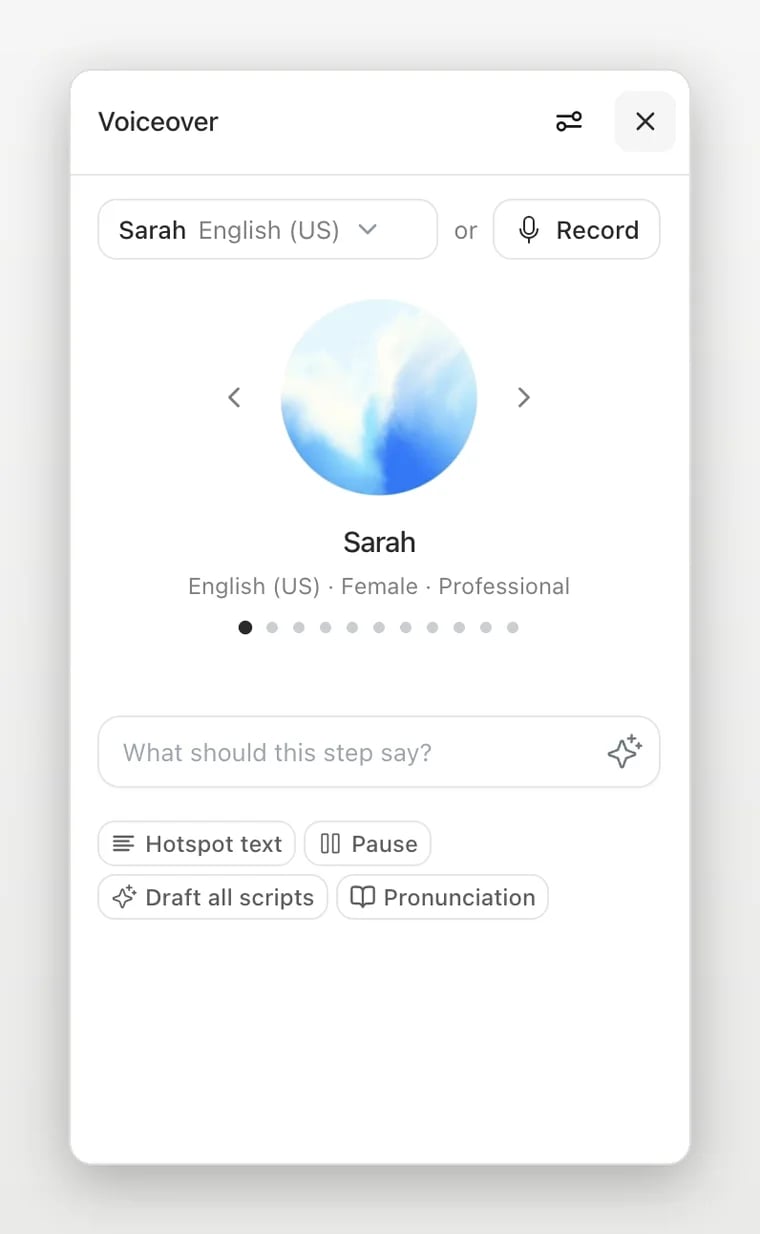
Choose a source
Select a step and open Voiceover. Depending on your workspace and available settings, you can:- Record narration with a microphone. Grant browser microphone permission when prompted, record a take, and listen before saving it to the step.
- Upload existing audio. The editor accepts MP3, M4A, WAV, and WebM audio. Choose a file you have permission to use and check that it matches the selected step.
- Generate audio from a script and an available voice. Review the script and pronunciation, then generate and listen to the result. Availability and usage can depend on your workspace.