

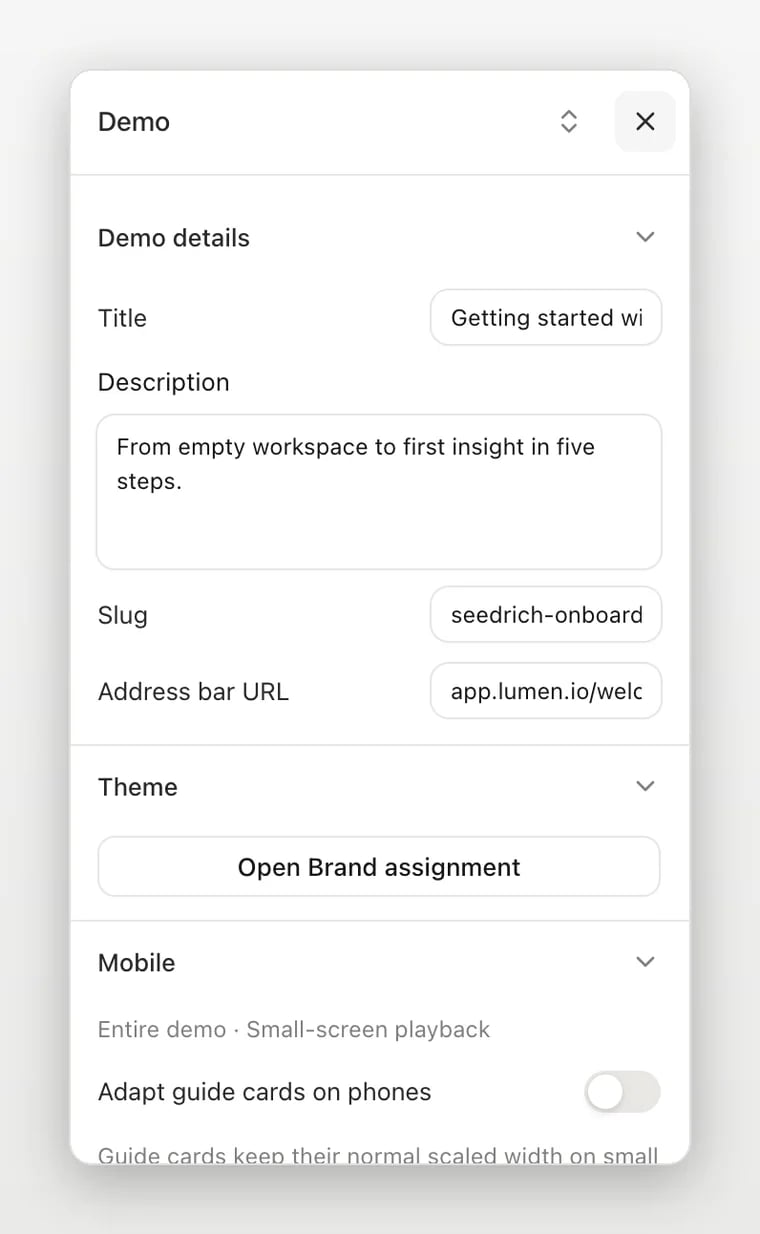
- Demo details: change the title, description, slug, and address shown in the browser frame. Review the share URL after changing the slug.
- Theme and mobile: open the brand assignment and adjust supported small-screen playback options.
- Thumbnail: choose an image or a step to represent the demo in listings and link previews.
- Sidebar and resolution: adjust the layout and stage dimensions; preview the result where the demo will be embedded.
- Tags and variables: organize the demo and define values used to personalize content.
- More: open additional demo settings.