

1
Capture a workflow
Open the product you want to show, start a capture, and work through the flow. Stop the capture when you have reached the outcome. For example, to show how to find a late order, capture the starting list, the filter action, the filtered result, and the order detail. See browser capture for preparation and recovery.
2
Shape the story
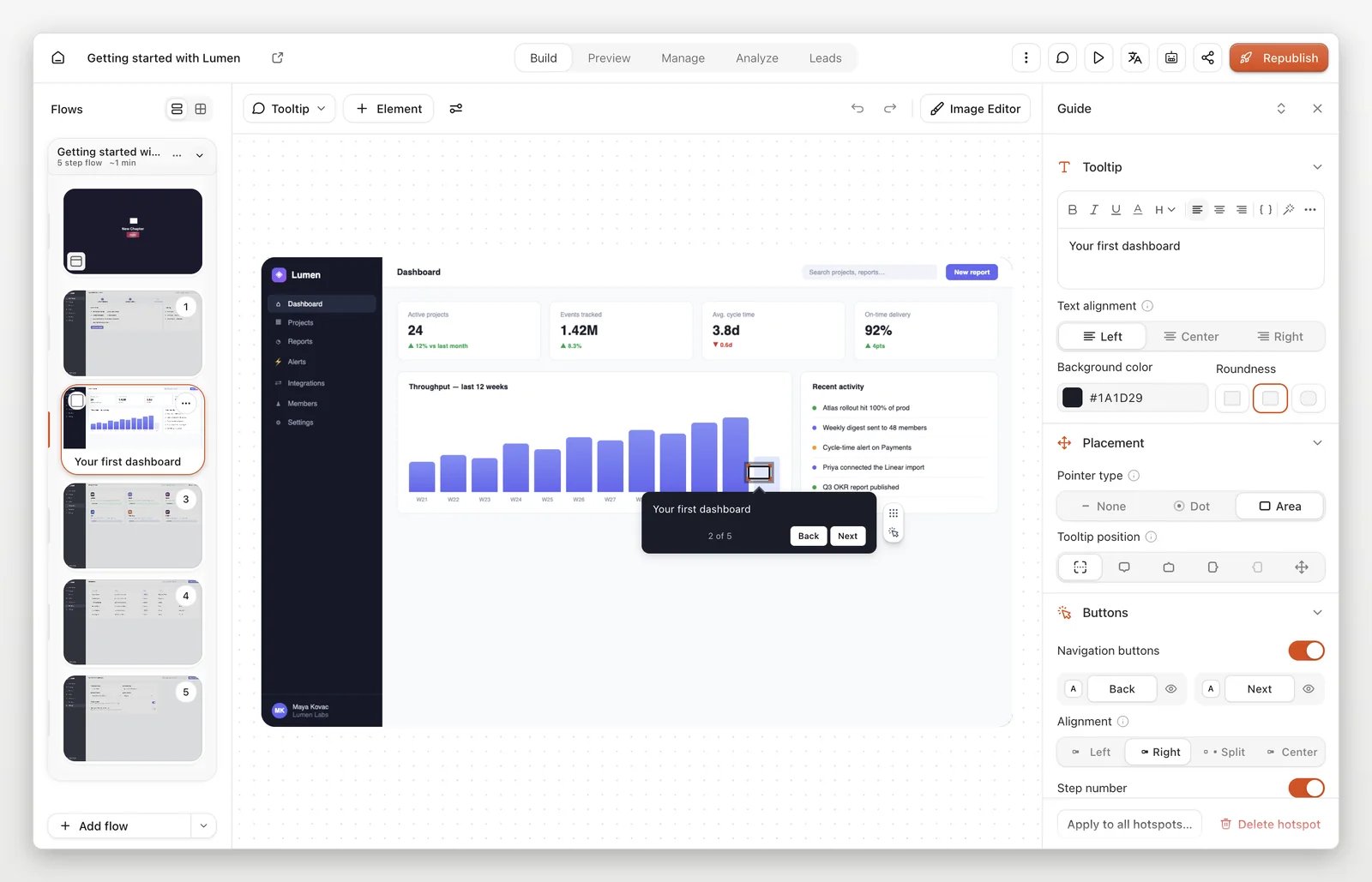
Open the demo in the editor. Remove detours, arrange the remaining steps, and give each guide one clear instruction. In the order example, “Select Late to narrow the list” is followed by “Open the order to see its details.” End on the result, not the click that opens it. Preview as a viewer and check that every action leads somewhere sensible.
3
Publish and share
Select Publish to make the saved version available to viewers. Open Share to copy a link or choose an embed. After editing a published demo, publish again to update what viewers see.
Before you share
- Read each step as someone who has never used the product.
- Check that captured screens, text, and media do not expose information you did not intend to share. A visual overlay is not a guarantee that the underlying captured data is safe.
- Open the published experience and test the full path, including its final action.